OpenCode vs Claude Code 2026: The Real Differences
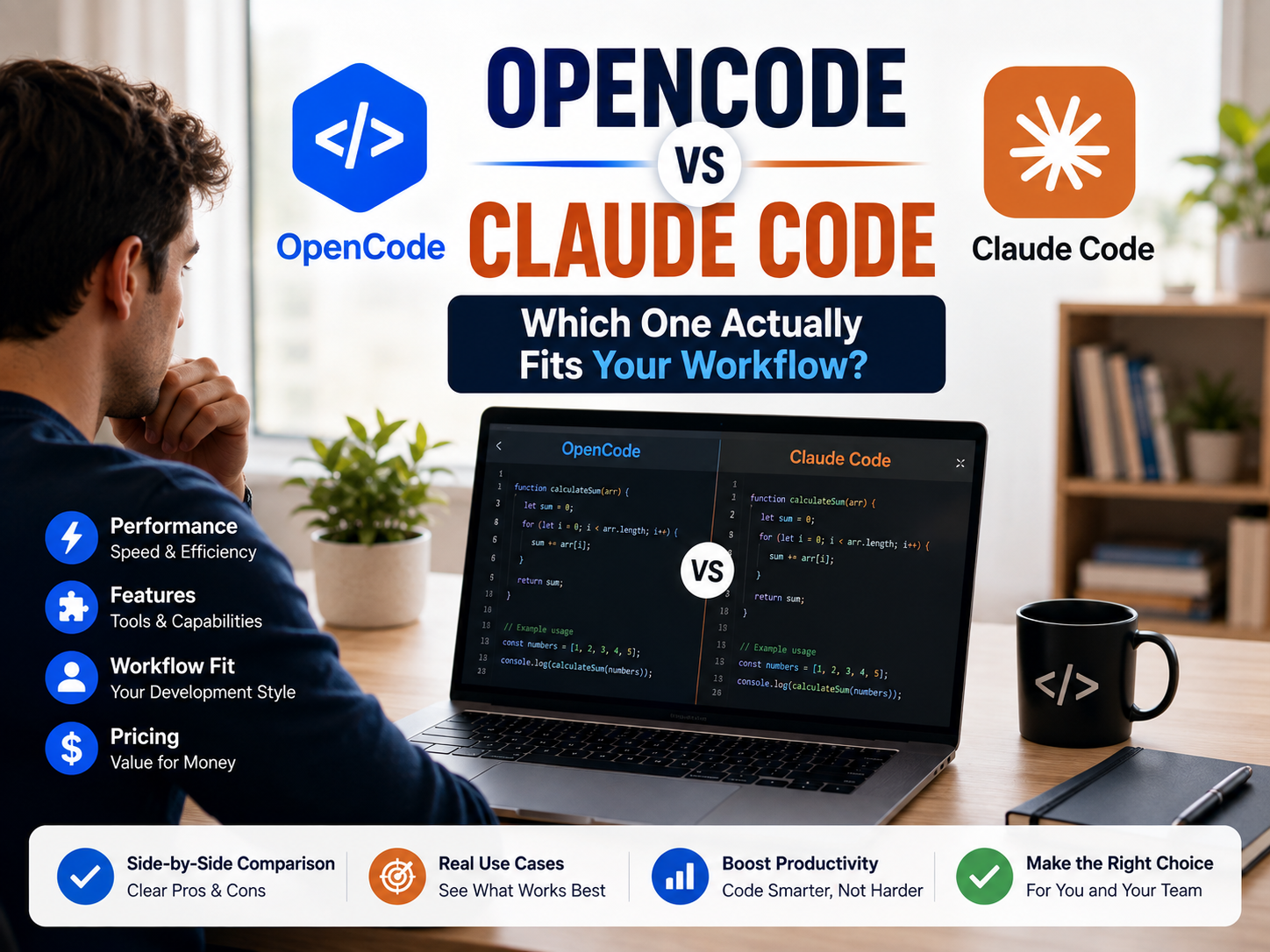
Both terminal-native coding assistants read your codebase, edit files across directories, execute terminal scripts, and write software autonomously. One is Anthropic’s managed agent built around the Claude ecosystem. The other is an open-source, model-agnostic harness supporting over 75 providers.
Choosing between OpenCode vs Claude Code comes down to architectural philosophy: integrated vendor software versus neutral open-source tooling. This technical comparison evaluates functionality, workflow compatibility, API economics, and structural policy changes that impact daily developer operations.
- Claude CodeAnthropic’s managed agent, native Claude integration, subscription or direct API usage.
- OpenCodeOpen-source core, model-agnostic, bring-your-own-key or optional managed tiers.
- Pick Claude Code ifYou require streamlined Claude 3.5 Sonnet access without manual environment setup.
- Pick OpenCode ifYou need local LLMs (Ollama), multi-provider flexibility, or open-source software.
What Is Claude Code?
Claude Code is Anthropic’s proprietary CLI agentic coding tool. It indexes software repositories, modifies multi-file directories, executes shell commands, and handles git tasks like commits, branching, and pull requests via natural-language instructions.
While anchored in the terminal, Claude Code interfaces with VS Code, JetBrains IDEs, a desktop client, and web environments at claude.ai/code, synchronizing state across active sessions. It natively implements the Model Context Protocol (MCP), orchestrates subagent routines, and integrates custom workspace hooks.
Note: Claude Code requires a commercial plan (Claude Pro, Max, Team, or Enterprise) or direct Anthropic API credits.
In addition to interactive development, Claude Code supports automated execution workflows. It can digest pipeline execution logs, automate pull-request checks via CI/CD integration, and run scheduled repository maintenance tasks within headless containerized environments.
What Is OpenCode?
OpenCode is an open-source terminal agent released under the MIT license, maintained by Anomaly (formerly SST). The project codebase is publicly hosted on GitHub, representing one of the active open-source AI development tools.
Architecturally, OpenCode uses a client-server model: a background daemon interfaces with terminal environments, desktop applications, and IDE extensions (VS Code and Cursor). OpenCode is model-agnostic, connecting to 75+ model providers—including Anthropic, OpenAI, Google, AWS Bedrock, Azure, Groq, OpenRouter, and local deployments using Ollama. It integrates Language Server Protocol (LSP) diagnostics directly into the execution loop to report compiler and typing errors after file modifications.
The core OpenCode framework is free to run. Anomaly also offers commercial managed access options alongside self-hosted operation, including a Go tier for open-weights models, a pay-as-you-go gateway (Zen), and enterprise-level tiers.
Claude Code vs OpenCode: Feature Comparison
Both systems support MCP integration, IDE extensions, and repository-level modification. Their core difference lies in ecosystem configuration: a unified single-vendor solution versus a modular, multi-provider engine.
| Feature | Claude Code | OpenCode |
|---|---|---|
| License | Proprietary | Open Source (MIT) |
| Model Support | Claude models only | 75+ providers, including local Ollama models |
| Architecture | Native single binary, unified state | Client/server architecture, multi-frontend |
| Pricing Tier | Subscription or API billing | Free open-source engine; optional managed plans |
| MCP Support | Native implementation | Native implementation |
| IDE Extensions | VS Code, JetBrains, Desktop, Web | VS Code, Cursor, Desktop, Web |
| LSP Integration | Via IDE extensions | Built into the core engine |
| Enterprise Admin | SSO, central console, policy management | Self-hosted setup; community-driven tools |
The OAuth Access Change Explained
Historically, developer tools allowed authentication using consumer Claude Pro or Max subscription credentials via OAuth. Following updates to Anthropic’s authentication policies, third-party framework access via consumer OAuth tokens was discontinued.
Claude models remain supported within OpenCode through an Anthropic API key billed on a usage basis. Users operating Claude models inside OpenCode manage billing via per-token API execution rather than flat-rate subscription authentication.
Pricing & Economics: OpenCode vs Claude Code
OpenCode Framework: The core agent framework is open-source software and incurs no licensing cost. Compute costs are determined by the underlying execution engine: bringing a custom API key, running local models via Ollama at zero marginal cost, or subscribing to optional managed plans such as the $10/month Go tier.
Claude Code Access: Access requires an active tier within Anthropic’s subscription tiers or API usage:
- Pro Tier: Standard individual developer access.
- Max Tiers: Higher usage thresholds for intensive workloads.
- Team / Enterprise Tiers: Multi-seat deployment options with centralized administrative controls.
- API Direct Usage: Billed per input/output token via the Anthropic Console.
Installation Guides
Claude Code
macOS / Linux / WSL / WindowsInstall via terminal commands and run within a project directory:
curl -fsSL https://claude.ai/install.sh | bash— macOS, Linux, WSLirm https://claude.ai/install.ps1 | iex— Windows PowerShell- Run
cd your-project && claudeto initialize browser-based authentication.
OpenCode
macOS / Linux / Windows (WSL)Install the binaries using the automated script or Package Manager:
curl -fsSL https://opencode.ai/install | bash— Official scriptnpm install -g opencode-ai— Node Package Manager- Run
opencodewithin a project folder, and authenticate viaopencode auth login.
Which Tool Should You Use?
- Select Claude Code if: You prefer an integrated environment optimized specifically for Claude, require enterprise compliance features, or already maintain a subscription plan.
- Select OpenCode if: You require provider flexibility, prefer open-source infrastructure, intend to run local models on private hardware, or wish to alternate between different AI providers.
Claude Code Alternatives
- OpenAI Codex CLI: Open-source CLI client (Apache-2.0) built for OpenAI models featuring sandboxed local execution.
- Google Gemini CLI: Terminal agent built around Gemini model capabilities.
- Aider: Terminal-based agent focused on Git-aware code edits and refactoring.
For broader tool evaluations, review our detailed guide on Claude AI workflows or explore our AI Tool Comparisons directory.
Myths vs. Reality
| Common Myth | Technical Reality |
|---|---|
| “OpenCode is always completely free” | The execution harness is free, but model API calls incur standard token costs unless executed on local hardware via Ollama. |
| “Model-agnostic agents yield identical results across models” | Agent capabilities vary based on the context window, prompt processing, and reasoning performance of the underlying LLM. |
| “Open source guarantees automatic security” | Open source enables full code audits, whereas enterprise compliance (SSO, audit logs) requires dedicated environment configuration. |
| “MCP configurations are interchangeable between tools” | Both engines follow the MCP specification, but server definition files (JSON structure) use distinct schema formats. |
The Token Economics Breakdown
Modern LLMs use prompt caching to optimize context processing. When analyzing a large codebase, initial files are cached, and subsequent agent operations read from that cache.
When using an API-key setup, token billing includes both input generation and cache read events. While cache hits run at reduced rates compared to fresh prompt inputs, prolonged agent sessions processing large repositories accumulate billable token volume. Evaluating average daily context size helps estimate overall usage costs.
Security & Permissions
| Capability | Claude Code | OpenCode |
|---|---|---|
| Execution Control | Configurable approval modes (plan, prompt-on-edit, auto-accept) | User-managed shell permission boundaries |
| Sandboxing | System-level isolated execution sandboxes | Execution security depends on local runtime setup |
| Enterprise SSO | Native support on Enterprise plans | Managed through custom infrastructure |
| Data Governance | Documented data retention policies | Governed by individual model provider terms |
MCP Interoperability
The Model Context Protocol establishes a standard interface for external tool integration, supported by both Claude Code and OpenCode:
- Configuration Schemes: Claude Code uses
.mcp.jsondeclarations. OpenCode organizes servers insideconfig.json. - Schema Differences: Server endpoints require tool-specific JSON layout formats.
- Access Management: Managed environments provide administrative policies for tool access control.
Running at Scale Advanced
Considerations for deploying AI coding agents across engineering teams:
- Security Verification: Validate compliance standards, data processing terms, and code privacy options prior to organization-wide rollout.
- Standardize Configurations: Establish team-wide defaults for model providers and system prompts to ensure consistent code output across developers.
- Session State Management: Define team procedures for repository checkpointing and Git branch isolation during multi-file agent edits.
- Cost Monitoring: Monitor token consumption metrics during initial deployments to accurately project operational expenses.
Frequently Asked Questions
Is Claude Code open source?
Is OpenCode free?
Can I still use Claude models inside OpenCode?
What is OpenCode used for?
Which tool is easier for beginners?
Final Verdict
Claude Code and OpenCode fulfill similar development roles through different architectural approaches. Claude Code provides an integrated environment tailored for the Claude ecosystem. OpenCode offers a modular framework that allows developers to select their preferred AI model provider, deploy local models, or run open-source infrastructure.


One Comment