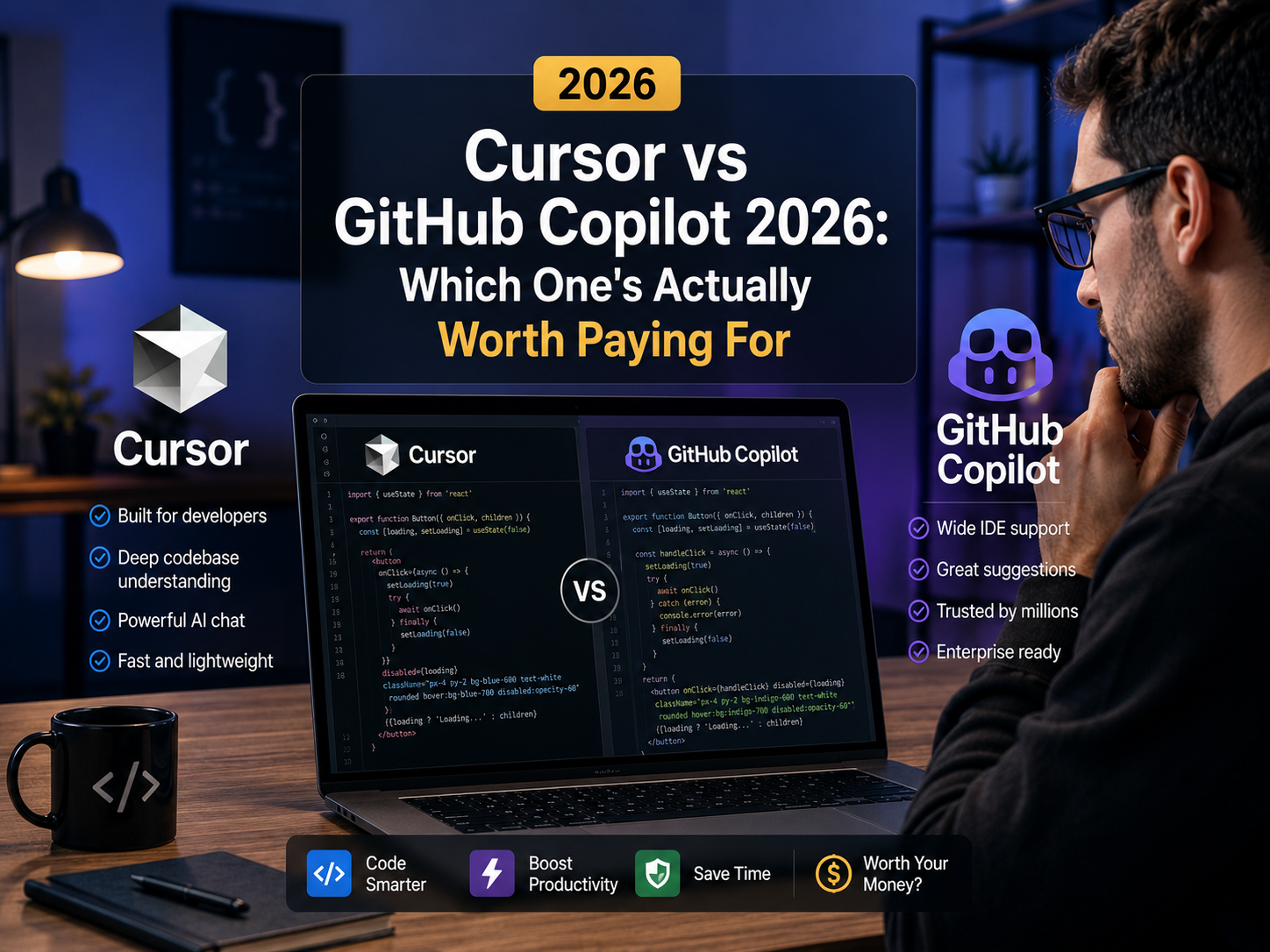
Cursor vs GitHub Copilot in 2026: What the Credit Systems Actually Cost You
Both tools switched to credit-based billing, which means the headline price ($20 for Cursor Pro vs $10 for Copilot Pro) tells only part of the story regarding your actual monthly costs when handling complex codebase refactoring. The real difference comes down to your chosen development environment, model routing needs, and credit consumption rate during daily tasks.
Cursor is a standalone VS Code fork built for multi-file agent edits, deep codebase indexing, and switching between models like Claude, GPT, and Gemini. GitHub Copilot is an extension that operates within VS Code, JetBrains, Visual Studio, or Neovim while integrating directly into GitHub PRs and Actions workflows. Standard inline autocomplete remains unmetered on both paid tiers, while credits power chat interactions and autonomous agent operations.
📋 Table of Contents
Why Both Switched to Credit Billing
Neither platform offers unmetered access to advanced reasoning models anymore. A subscription now provides a baseline credit allowance, where total usage depends on model selection, context window sizes, and execution complexity.
Cursor manages a dollar-denominated credit pool for premium model requests. Inline autocomplete in Auto mode does not consume credits, while multi-file agent edits or requests sent to frontier models draw from the token pool.
GitHub Copilot uses AI credits priced at $0.01 each, which apply to chat interactions, CLI usage, agent executions, and automated code reviews. Basic inline code completions remain free and unmetered across all paid subscriptions.
What Cursor Actually Is
Cursor is a standalone fork of VS Code rather than a standard extension, enabling deeper integration into the core editor functionality.
- Multi-file agent edits: Executes structural code modifications across multiple files simultaneously and displays clear diff previews prior to committing changes.
- Local codebase indexing: Generates project embeddings allowing targeted queries via
@files,@folders, or full@codebasereferences. - Dynamic model switching: Allows toggling between Claude, GPT, and Gemini models per individual prompt.
What GitHub Copilot Actually Is
Copilot operates as an extension inside existing IDE setups including VS Code, JetBrains IDEs, Visual Studio, and Neovim without requiring editor migration.
- GitHub ecosystem integration: Generates pull request summaries, reads issue tracker context, and integrates with GitHub Actions natively.
- Multi-editor support: Functions across multiple standardized IDE environments.
- Enterprise management: Provides administrative controls for seat provisioning, public code match prevention, and centralized security scanning.
Pricing and Credit Allowances
Pricing and credit allocations are based on official documentation from both providers.
| Plan Tier | Cursor AI | GitHub Copilot |
|---|---|---|
| Free Tier | Hobby ($0/mo, trial credit pool) | Free ($0/mo, 2,000 completions + 50 premium requests) |
| Individual Entry | Pro ($20/mo, $20 credit allowance) | Pro ($10/mo, 1,500 AI Credits) |
| Individual Mid-Tier | Pro+ ($60/mo, expanded credit pool) | Pro+ ($39/mo, 7,000 AI Credits) |
| Individual High-Volume | Ultra ($200/mo, high-capacity pool) | Max ($100/mo, 20,000 AI Credits) |
| Team / Business | Teams ($40/user/mo standard, $120/mo premium) | Business ($19/user/mo, pooled 1,900 credits/seat) |
| Enterprise Tier | Enterprise custom pricing | Enterprise (~$39/user/mo, requires GitHub Enterprise Cloud) |
| Inline Autocomplete | Unmetered on paid plans | Unmetered on paid plans |
Where They Actually Differ
Context Indexing & Memory
Cursor maintains a local vector index of project files while supporting a .cursorignore configuration to exclude build outputs and sensitive files. Copilot uses cloud repository indexing combined with active editor tab context.
Refactoring Capabilities
Cursor’s inline editing interface applies updates directly with clear git-style diffs. Copilot provides strong single-file completions and chat assistance, requiring explicit agent prompts for multi-file generation tasks.
Governance & Security Controls
Copilot Business and Enterprise options include IP indemnity options, public code matching filters, and organizational audit logs available through the GitHub Copilot Trust Center. Paid Cursor accounts exclude user code from model training by default, as detailed in Cursor’s privacy guidelines.
Cursor Core Advantages
- Multi-file agentic refactoring capabilities
- Model selection flexibility per prompt
- Native deep integration built into a VS Code fork
Copilot Core Advantages
- Broad IDE support including JetBrains, Visual Studio, and Neovim
- Native integration with GitHub PRs, Issues, and Actions
- Lower initial entry cost ($10/mo vs $20/mo)
Which One Fits Your Setup
Keeping Your Credit Burn Down
@file targets in Cursor rather than indexing entire projects for simple fixes. In Copilot, close unrelated open tabs to reduce unnecessary context processing.Frequently Asked Questions
Does Cursor work in JetBrains or Neovim?
No. Cursor is a standalone fork of VS Code rather than an extension, meaning it runs exclusively within its own editor interface. Developers using IntelliJ, PyCharm, Visual Studio, or Neovim should use GitHub Copilot for multi-IDE compatibility.
Are inline completions metered on paid plans?
No. Standard inline code completions remain unmetered on paid tiers for both Cursor Pro/Teams and Copilot Pro/Business/Enterprise. Monthly credits apply specifically to chat interactions, agent executions, complex refactoring operations, and automated code reviews.
Does either tool train on my code?
Paid tiers for both platforms (Cursor Pro/Teams and Copilot Pro/Business/Enterprise) exclude code data from model training cycles by default. Review privacy settings directly on each platform for specific workspace configurations.
Can I run both tools simultaneously?
While technically possible, running both tools concurrently in similar environments can cause keybinding conflicts, duplicate inline suggestions, and redundant subscription expenses.
Final Verdict
Choosing between these platforms depends on your development environment and workflow priorities:
- Choose Cursor if you prioritize multi-file agentic editing, deep local indexing, and flexible model selection within a VS Code interface.
- Choose Copilot if you rely on alternative IDEs like JetBrains or Neovim, value direct GitHub integration, or prefer a lower starting cost.
Recommendation
Evaluate both tools using their free tier allowances during standard development tasks. Track real credit consumption rates and workflow performance before committing to a paid plan tier.