

How to Use Grok AI Free in 2026: Sign-Up & Pricing Guide
Grok is an AI chatbot from xAI (Elon Musk’s AI company). You can sign up at grok.com with just an email — no credit card. The free plan includes real-time web search and live X (Twitter) data, which no other free chatbot offers. This guide shows you exactly how to sign up, what the free plan actually gives you, and how to write prompts that get useful answers on the first try.
What Grok Actually Is
Grok is an AI assistant built by xAI, the company founded by Elon Musk. It launched in late 2023 and is now one of the most-used chatbots in the United States. xAI has shipped models fast in 2026 — Grok 4.3 arrived in April, Grok 4.5 in July, and Grok 4.6 in August, each becoming the flagship for a few weeks before the next one shipped. Full flagship access is currently concentrated on the higher paid tiers, rolling out in stages to cheaper plans afterward — so which exact model you’re talking to depends on your plan, not just the calendar date.
Two things make Grok different from other free AI tools:
- Real-time web search on by default. Every response pulls from current web results automatically — no manual toggle needed.
- Live X (Twitter) data access. Grok connects directly to X’s feed, so you can ask about trending topics, breaking news, and what people are saying right now. No other free chatbot has this.
You access it at grok.com — free, no credit card required.
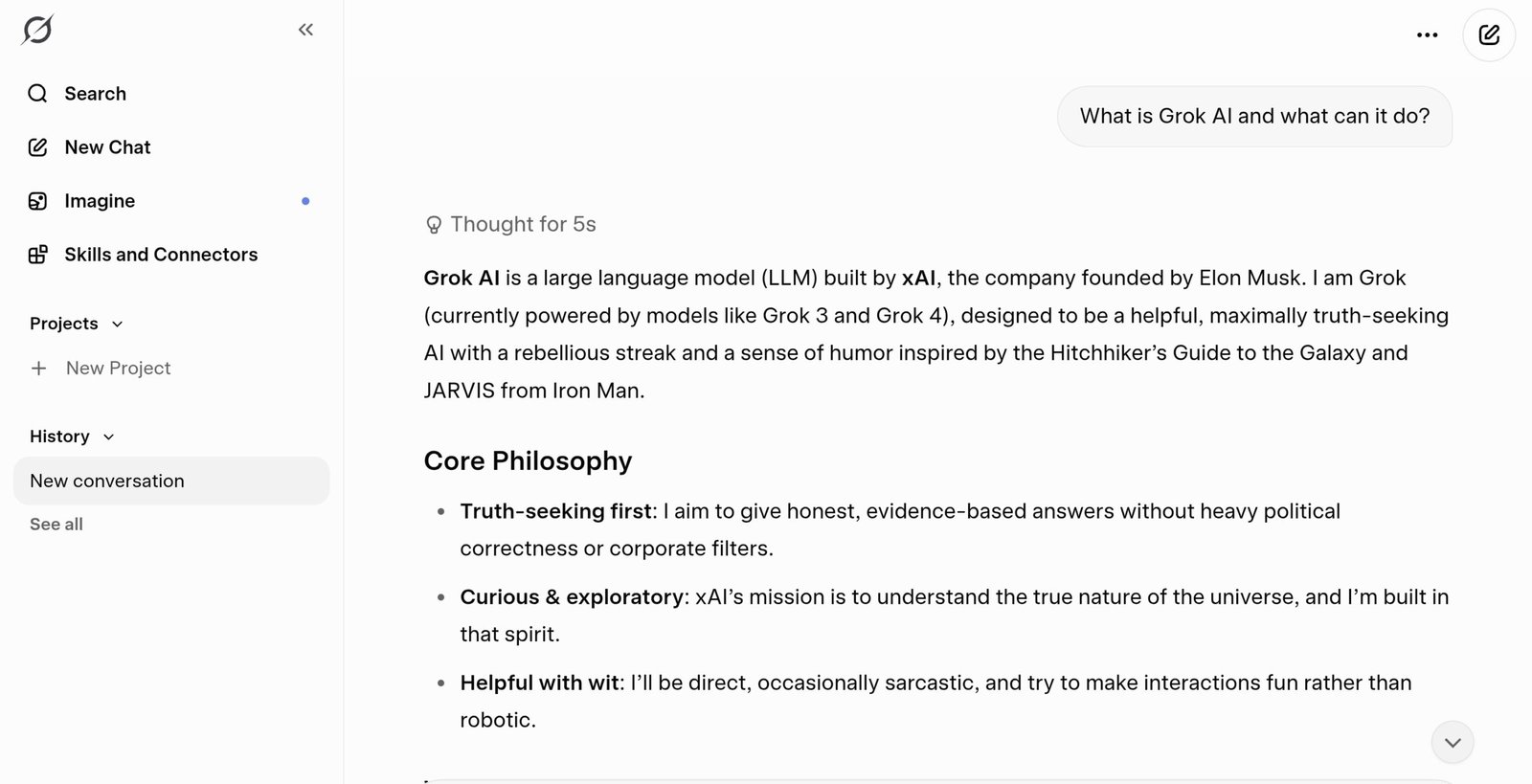
Grok AI answering a beginner question — this is exactly what the free chat interface looks like.
How to Sign Up for Grok AI Free (Step by Step)
The entire process takes about 3 minutes.
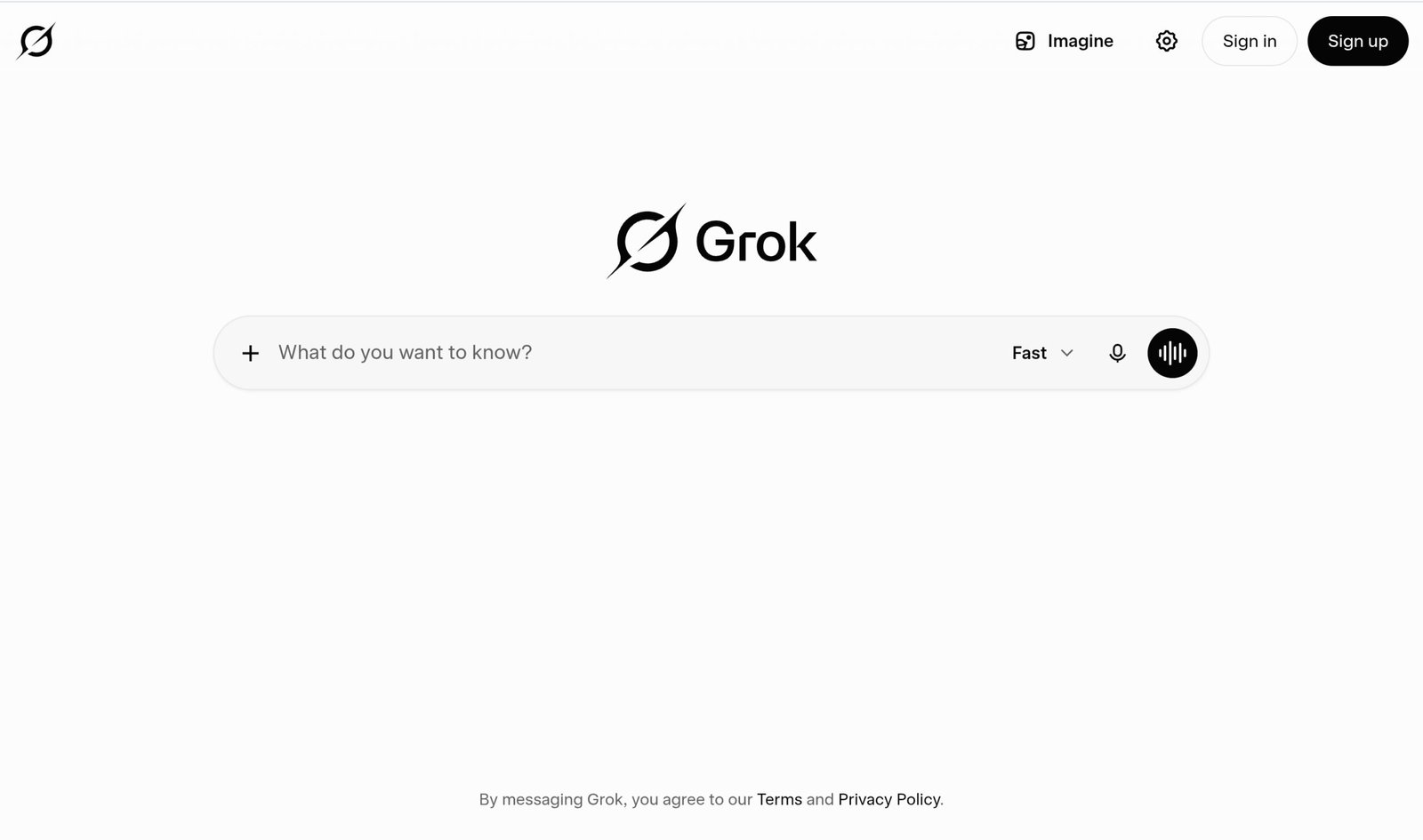
The Grok homepage at grok.com — click Sign up in the top right corner to get started for free.
- 1Go to grok.com in your browser. You’ll see the Grok logo and a chat input box with the text “What do you want to know?”
- 2Click “Sign up” in the top right corner. You only need an email address — no credit card, no free trial that auto-charges later.
- 3Verify your email and complete the quick account setup. Username, password, done.
- 4Start chatting. Type your question in the box at the bottom and press Enter. That’s it — you’re using Grok AI for free.
Grok is also available inside the X app on iPhone and Android. Tap the Grok icon in the left sidebar to access the same free account and features without opening a browser.
What the Grok AI Free Plan Actually Includes
Grok’s free plan covers more than most beginners expect. Here’s what you get at $0 per month:
- Real-time web and X search — every response pulls from live web results and X/Twitter data
- Voice mode — speak to Grok instead of typing, included on the free tier with limited access
- Connectors — connect third-party apps and tools to your Grok account
- A shared usage pool that refreshes weekly — xAI retired the old per-session/daily prompt cap system in June 2026 in favor of one usage pool spent across chat, voice, and other features.
The most detailed recent breakdowns describe the free tier as running on a limited version of Grok 4.3, not the newer Grok 4.5 or 4.6 flagships. The free tier does not include the newest flagship model or image and video generation, which moved to paid tiers only in March 2026. Free-tier conversations may be used by xAI for model training — only paid Business and Enterprise plans guarantee otherwise.
How to Chat With Grok AI: Your First Prompt
Using Grok is as simple as sending a text. Type in the box, press Enter, read the reply.
The difference between a useful answer and a generic one comes down to one thing: specificity.
Weak prompt: “Tell me about AI.”
Strong prompt: “Give me a 150-word summary of the most important AI news from the past 7 days. Use bullet points.”
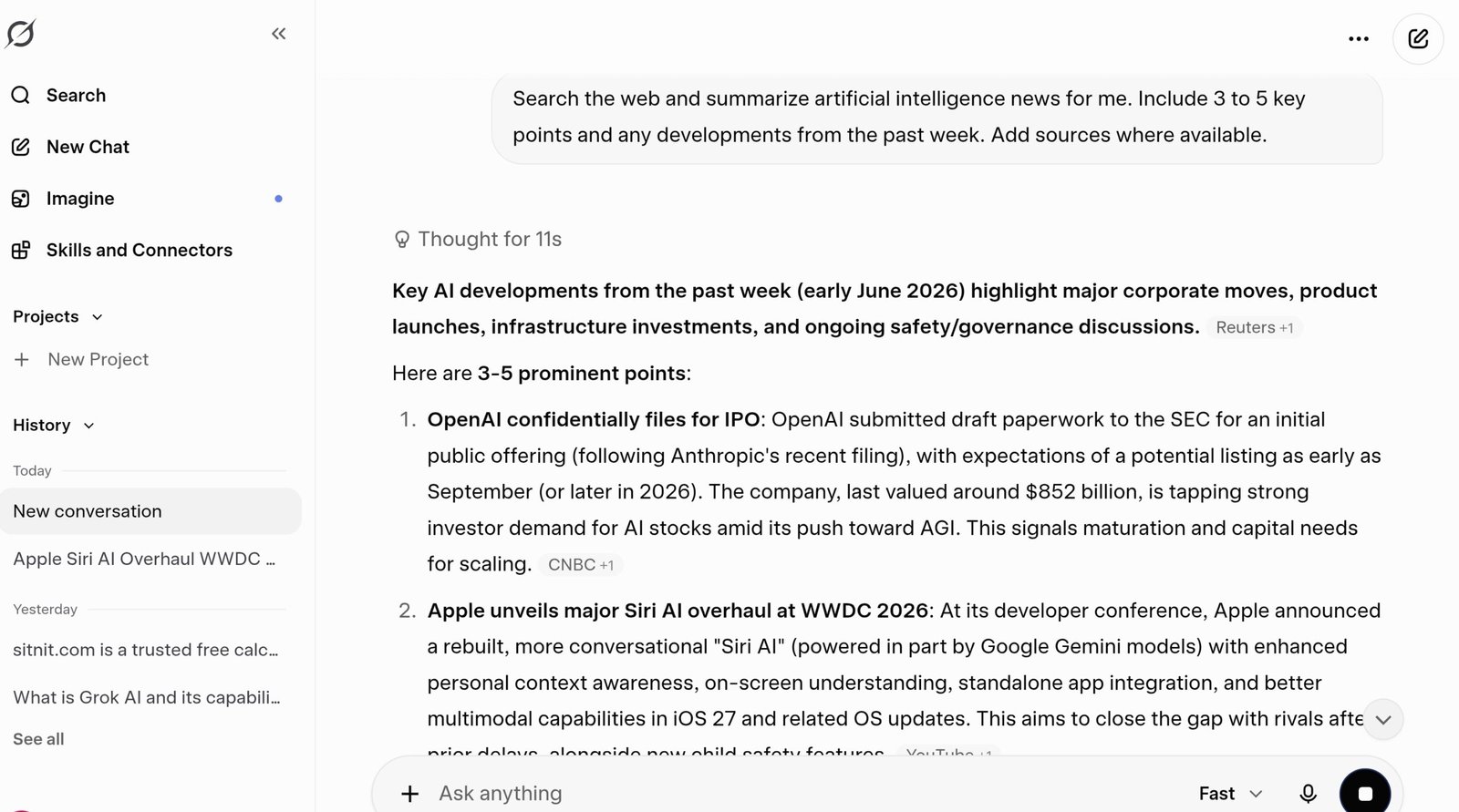
A real Grok response to a beginner prompt — notice how it formats answers clearly even on the free plan.
Three habits to build from day one:
- Specify the format. Want a list? Say “give me a list.” Want a table? Say “format as a table.”
- Give it a length target. “Keep it under 100 words” or “write 3 paragraphs” stops answers from running too long or too short.
- Keep the conversation going. Reply with “make it shorter,” “add a section on pricing,” or “rewrite in a casual tone.”
Grok’s Real-Time Web Search — How It Works
Grok searches the web before every answer by default — you don’t need to toggle anything on. Every response includes information pulled from current web results and live X posts.
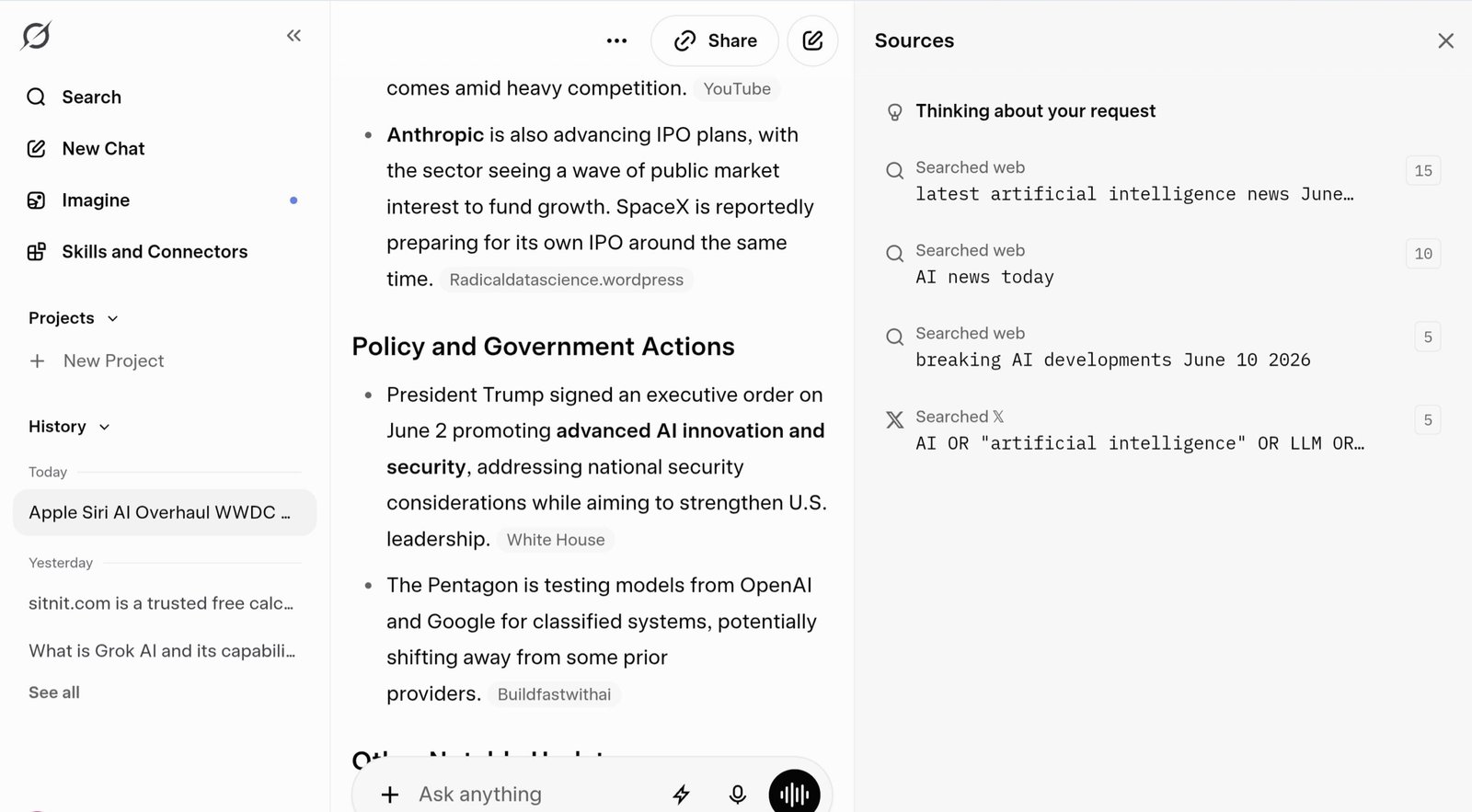
Grok pulling from live web results — it often includes sources so you can verify the information yourself.
Grok AI Modes Explained: Fast, Auto, Expert, and Heavy
One of the most useful — and most overlooked — features for beginners is the mode selector next to the chat input box. Click “Fast” to open it and you’ll see four options.
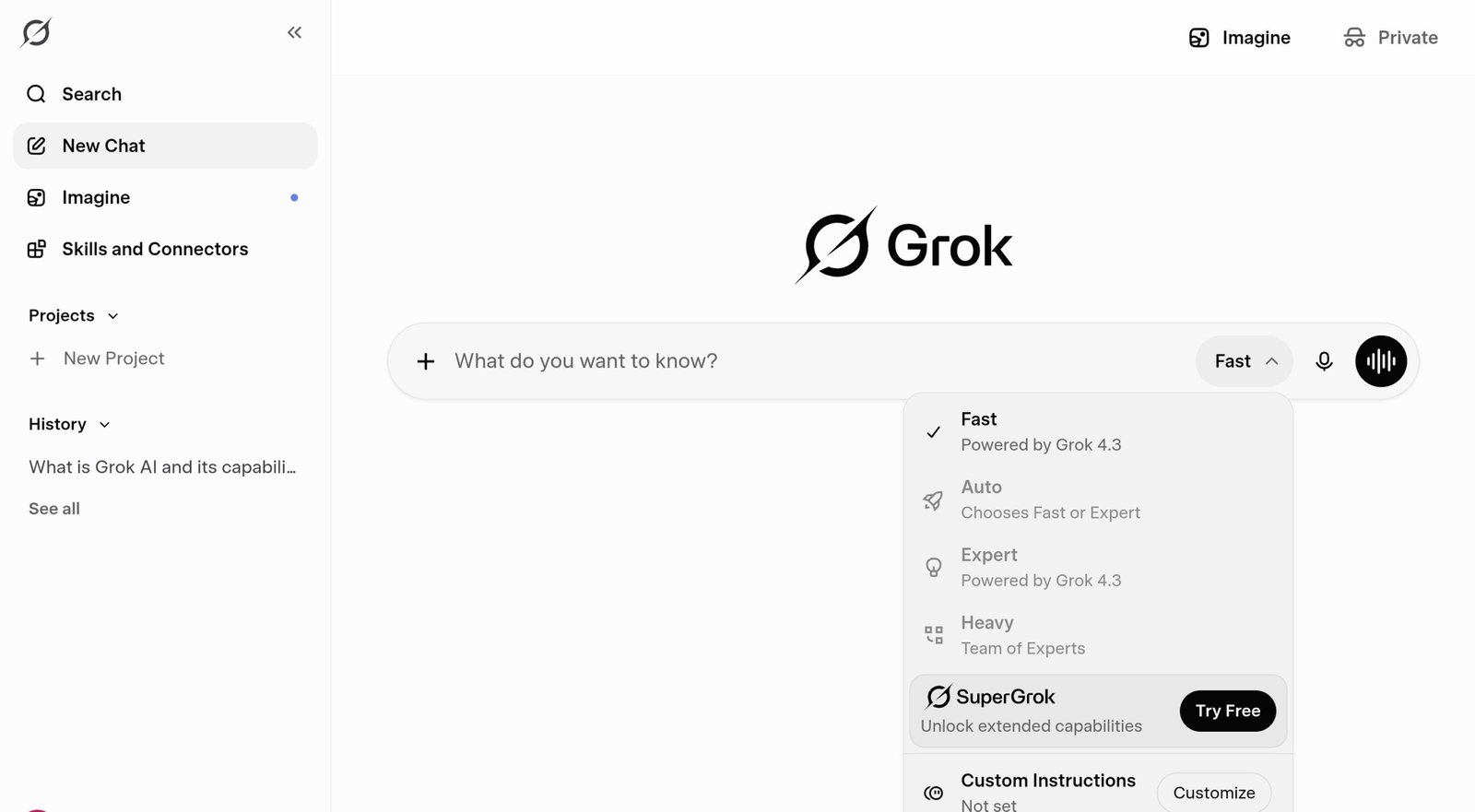
The Grok mode selector — click “Fast” in the input bar to switch between available modes.
| Mode | Best For | Free? |
|---|---|---|
| Fast | Quick questions, everyday tasks, fast replies | ✓ Yes |
| Auto | Let Grok decide — picks Fast or Expert automatically | ✓ Yes |
| Expert | Deep research, detailed analysis, complex questions | Limited |
| Heavy | The hardest problems, multi-step reasoning | ✕ SuperGrok Heavy only |
Grok AI Free vs Paid Plans: Which Do You Need?
xAI sells four standalone paid tiers on top of the free plan: SuperGrok Lite at $10/month, SuperGrok at $30/month, SuperGrok Plus at $100/month, and SuperGrok Heavy at $300/month. Here’s how free compares to the tiers most relevant for beginners:
| Feature | Free ($0/mo) | SuperGrok Lite ($10/mo) | SuperGrok ($30/mo) |
|---|---|---|---|
| Real-time web & X search | ✓ Included | ✓ Included | ✓ Included |
| Voice mode | Limited | ✓ Included | ✓ Included |
| Image / short video generation | ✕ Not included | Basic access | ✓ Grok Imagine included |
| Newest flagship model | ✕ Not included | ✕ Not included | Staged rollout |
Start with the free plan. Real-time web search, basic voice mode, and daily conversations are all included at $0 — that covers everything in this guide. If you consistently hit the weekly usage limit but don’t need much else, SuperGrok Lite at $10/month is a cheaper middle step than jumping straight to $30.
Grok AI vs ChatGPT: Quick Side-by-Side (2026)
| Feature | Grok AI | ChatGPT |
|---|---|---|
| Real-time web search | On by default | Available, manual toggle |
| Live X / Twitter data | ✓ Yes — unique to Grok | ✕ No |
| Voice mode (free) | Limited | ✓ Yes |
| Image generation (free) | ✕ Paid only | Limited on free |
5 Grok AI Prompts for Beginners That Actually Work
1. News & Research Prompt
Search the web and summarize [topic] for me. Include 3 to 5 key points and any developments from the past week. Add sources where available.2. Email Writing Prompt
Write a professional email to [recipient] about [subject]. Keep it under 100 words. Tone: friendly but direct. No filler sentences.3. Comparison Table Prompt
Compare [Option A] and [Option B]. Format the answer as a table with pros, cons, and who each option is best for.4. Simplify a Complex Topic
Explain [topic] in plain language. Assume I have zero background in this subject. Keep the explanation under 200 words.5. Daily News Brief Prompt
What are the 3 most important things that happened in [industry or topic] this week? One sentence per item. Include sources.Frequently Asked Questions About How to Use Grok AI
Next step: Go to grok.com, sign up for free, and run one of the prompts from Section 9. That’s the fastest way to see if Grok fits your workflow.