Perchance AI Image Generator — Free, Unlimited, No Login in 2026
Software engineer & Founder of CrixPix · Researches AI image tools across paid and free tiers
✓ Facts verified against official Perchance.org pages and cross-checked reporting · August 2026
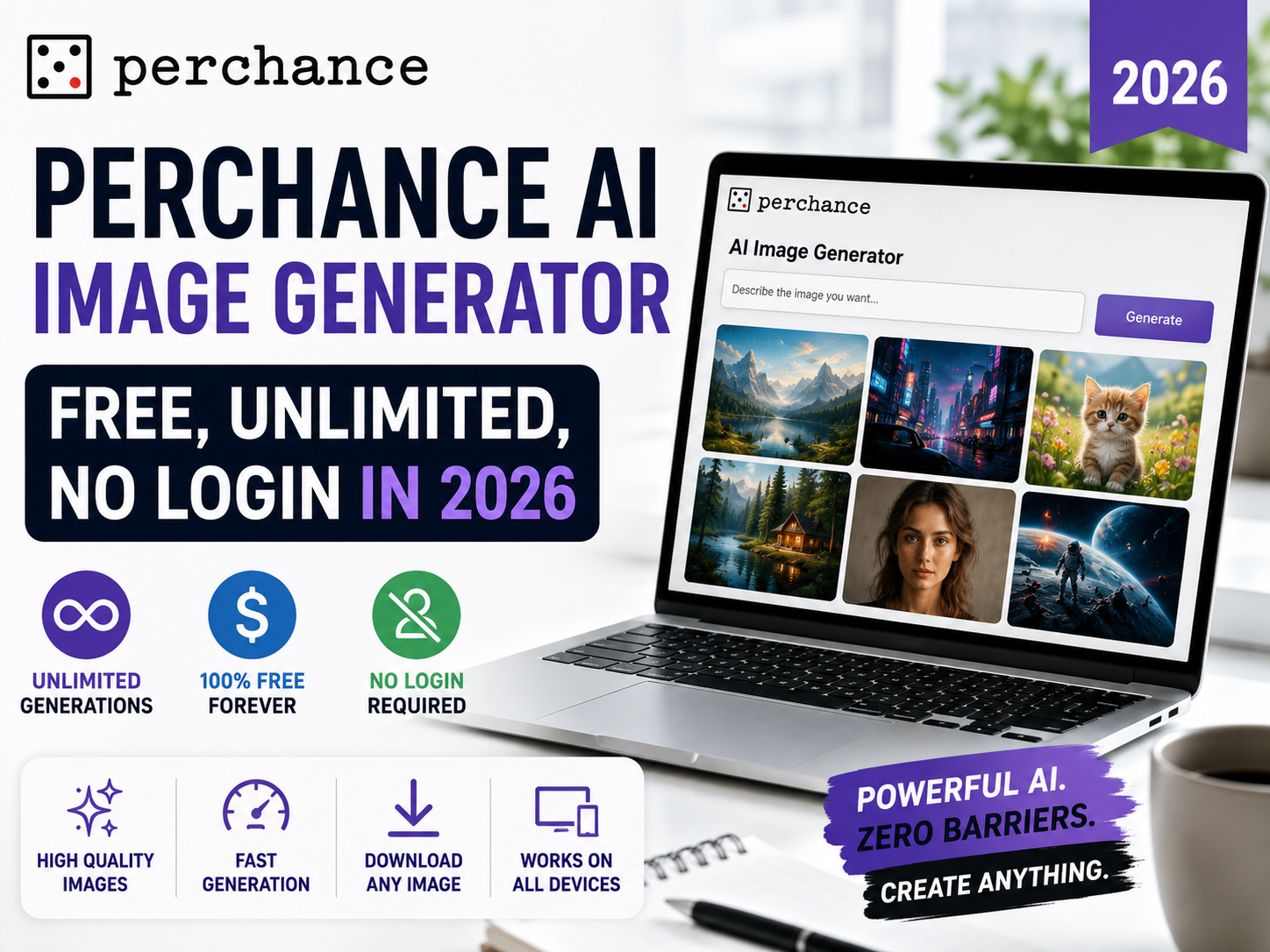
The Perchance AI image generator at perchance.org is one of the few genuinely free AI image tools left in 2026 — no account, no watermark, no daily limit, and no credit system. While Midjourney charges $10/month and even free tools like Leonardo AI cap you at 150 generations per day, Perchance runs Stable Diffusion entirely in your browser and lets you generate as many images as you want. This guide explains how it works, what each mode gives you, how it compares to paid tools, and where its real limitations are.
Perchance AI image generator is a free, unlimited, no-login Stable Diffusion tool running at perchance.org/ai-text-to-image-generator. It generates images in 5–10 seconds with no watermark, no account, and no generation cap. Three modes are available: v2 (SD 1.5 based), v3 (SDXL-inspired, better quality), and Realistic (photorealism focused). Maximum output resolution is 512×768 pixels — the main technical limitation vs paid tools.
📋 Table of Contents
- What is the Perchance AI Image Generator?
- Three Modes Explained — v2, v3, and Realistic
- How to Use Perchance AI Image Generator — Step by Step
- Prompt Writing Tips for Better Results
- Perchance Image Quality — Honest Assessment
- Perchance vs Midjourney vs DALL-E 3 vs Leonardo AI
- Community Generators — Story Generator and More
- Pros and Cons
- Honest Limitations You Should Know
- Who Should Use Perchance AI?
- Frequently Asked Questions
What is the Perchance AI Image Generator?
Perchance is a community platform at perchance.org where users can create and share text-based generators — everything from random name generators to fully interactive story tools. The AI image generator is its most popular tool, available at perchance.org/ai-text-to-image-generator, and it works differently from almost every other AI image tool.
What makes this AI image generator Perchance offers so unique is how it works under the hood: Perchance runs Stable Diffusion entirely in your browser using WebGL or WebGPU — no images are sent to external servers. Your text prompt is processed locally on your own device, images are generated on your own device, and nothing leaves your browser. This makes Perchance unusually privacy-respecting compared to cloud-based tools. It also explains why the tool is free — there is no server cost per generation.
The business model is advertising. Perchance displays ads on its pages, which funds the server infrastructure. Users get unlimited generation at zero cost in exchange for seeing ads. This model has been confirmed active as of mid-2026, with no announced changes to the free access policy.
Three Modes Explained — v2, v3, and Realistic
The main perchance.org AI image generator offers three generation modes, each powered by a different Stable Diffusion model. Choosing the right mode for your use case makes a significant difference in output quality.
v2 — Standard Mode
Based on an SD 1.5 fine-tune. The oldest and fastest mode. Good for quick concept sketches, simple illustrations, and stylized artwork where extreme detail isn’t critical. Generates noticeably faster than v3 on slower devices.
Best for: Quick tests, simple artwork, older devicesv3 — Recommended Mode
Uses an SDXL-inspired architecture for higher quality outputs. Better coherence, more detailed subjects, improved composition, and stronger prompt adherence than v2. This is the mode to start with for most use cases.
Best for: General use, character art, detailed scenesRealistic — Photorealism Mode
Tuned toward SD 3.5-style photorealism. Designed specifically for generating images that look like photographs rather than digital art. Best for portraits, product-style shots, and lifestyle scenes where artistic styles aren’t the goal.
Best for: Portraits, product mockups, photo-style imagesAlongside these three built-in modes, Perchance also offers:
- Professional mode at perchance.org/image-generator-professional — expanded controls and higher-quality settings
- AI Photo Generator at perchance.org/ai-photo-generator — dedicated realistic photo generation
How to Use Perchance AI Image Generator — Step by Step
1Open the generator — no account needed
Go to perchance.org/ai-text-to-image-generator in any modern browser. No login, no sign-up form, and no credit card. The tool loads directly and is ready to use immediately. For best performance, use Chrome or a Chromium-based browser with WebGPU support enabled.
2Select your generation mode
Choose between v2, v3, or Realistic at the top of the generator. For most users, v3 is the best default — it produces higher quality results than v2 with only a modest speed penalty. Switch to Realistic mode if you specifically want photorealistic outputs. V2 is a fallback for slower devices.
3Write a detailed positive prompt
Type your image description in the main prompt field. Stable Diffusion-based tools respond well to specific, descriptive prompts. Include: the main subject, what they’re doing, the environment, the lighting, and the visual style. The more specific your prompt, the more predictable and consistent the output.
4Add a negative prompt
The negative prompt field tells the model what to avoid. This is one of the most impactful improvements you can make to your output quality. Standard negative prompts to always include: blurry, low quality, extra limbs, distorted hands, watermark, text, signature, ugly, deformed. Negative prompting significantly reduces artifacts and inconsistencies.
5Adjust aspect ratio if needed
Select your preferred aspect ratio before generating. The maximum supported resolution is 512×768 pixels in portrait, 768×512 in landscape, or 512×512 for square outputs. This resolution ceiling is one of Perchance’s main limitations — if your project requires larger images, you’ll need to upscale using a separate tool or switch to a paid generator.
6Generate and iterate freely
Click Generate. An image typically appears in 5–10 seconds on a modern device. If the result isn’t quite right, refine your prompt and generate again — there is genuinely no limit on how many attempts you make. Download your final image without any watermark by right-clicking or using the download button.
Prompt Writing Tips for Better Perchance Results
Perchance uses Stable Diffusion architecture, which responds differently to prompts than tools like Midjourney or DALL-E 3. These tips are specific to getting better results from Stable Diffusion-based generators.
Use Descriptive, Layered Prompts
Always Use a Negative Prompt
Style Keywords That Work Well on Perchance
- Photorealistic outputs: add photorealistic, hyperrealistic, 8k, RAW photo, DSLR, sharp focus
- Digital art: add digital art, artstation, concept art, trending, detailed
- Anime/illustration: add anime, manga style, vibrant colors, cel shaded, clean lines
- Cinematic: add cinematic lighting, film grain, anamorphic lens, golden hour
- Fantasy/sci-fi: add fantasy art, Greg Rutkowski style, epic composition, dramatic lighting
Perchance Image Quality — Honest Assessment
Perchance AI image generator v3 is generally considered to produce noticeably lower average image quality than frontier paid tools like Midjourney, DALL-E 3, and FLUX.1 — which isn’t a surprising result given that Perchance runs locally on consumer hardware rather than server-grade GPU clusters. That said, it’s also not as large a gap as you might expect from a free vs $10–$20/month comparison, and it holds up well for a specific set of use cases.
As a Perchance Stable Diffusion tool, it handles certain use cases very well: stylized and artistic outputs, character illustrations, and concept sketches. Where it falls noticeably short of paid tools: photorealistic faces at high detail, complex multi-subject compositions, and any scenario requiring resolution above 512×768 pixels.
Perchance AI vs Midjourney vs DALL-E 3 vs Leonardo AI
| Tool | Typical Quality Tier | Speed | Max Resolution | Cost | Login Required |
|---|---|---|---|---|---|
| FLUX.1 | Frontier | Moderate | 1024×1024+ | Free tier / Paid | Yes |
| Midjourney | Frontier | 30–60s | 1024×1024+ | From $10/mo | Yes |
| DALL-E 3 | High | 20–40s | 1792×1024 | Via ChatGPT Plus $20/mo | Yes |
| Leonardo AI | High | 10–20s | 1024×1024+ | Free (150/day) / Paid | Yes |
| Perchance v3 | Good, free-tier | 5–10s ✅ | 512×768 | $0 — unlimited ✅ | No ✅ |
| Canva AI (Magic Media) | Good, free-tier | 10–20s | 1024×1024 | Free (limited) / $15/mo | Yes |
This is a qualitative, editorial ranking based on general reputation and hands-on impressions reported across the AI image community, not a specific published benchmark. The practical conclusion: for creators who need images for quick concepts, social media assets at smaller sizes, or creative experimentation without budget, Perchance v3 delivers genuine value. For professional production work requiring high resolution, photo-realistic faces, or consistent style across many images, the quality gap with paid tools is real and meaningful.
Perchance saves between $120 and $240 per year compared to common paid subscriptions. That’s a real financial argument for hobbyists, students, and early-stage creators who aren’t yet monetizing their content. For context on which paid tool is worth it when you’re ready to upgrade, see our full guide to best free AI image generators in 2026 and our Midjourney vs Leonardo AI comparison.
Community Generators — Story Generator with Images and More
Beyond the main image generator, Perchance hosts hundreds of community-built generators at perchance.org/generators. These range from simple style variations to complex tools combining text generation with image creation.
The Perchance AI story generator with images is among the most-searched community features. These generators combine Perchance’s text randomization engine with image generation to produce illustrated narratives — you get both written story content and matching generated images in sequence. The exact capabilities vary by which community generator you’re using.
🎨 Style Variants
Community generators tuned for specific visual styles — anime, watercolor, pixel art, oil painting, and more. Often produce more consistent style outputs than the general tool.
📖 Story + Image Tools
Generators that combine text story generation with matched images. Useful for illustrated stories, character sheets, and creative writing with visual accompaniment.
🎭 Character Generators
Specialized tools for generating consistent character designs — RPG characters, anime OCs, fantasy portraits, and similar focused use cases.
🖼️ Extended Control Generators
Community builds adding extra controls — seed management, batch generation, gallery views, and prompt history. Useful for users who find the main tool’s interface too simple.
Perchance AI Image Generator — Pros and Cons
✅ Pros
- Completely free — no payment plan, no trial
- No login or account required
- No watermark on downloaded images
- Truly unlimited — no daily cap or credit system
- Runs in-browser — no installation
- Client-side processing — strong privacy (no image data sent to servers)
- Fast — 5–10 seconds per image
- Three quality modes: v2, v3, Realistic
- Works on mobile and desktop
- Large community generator library
- Saves $120–$240/year vs common paid subscriptions
❌ Cons
- Maximum 512×768px resolution — below paid tool standards
- No inpainting or image editing
- No ControlNet or LoRA fine-tuning
- No upscaling built in
- No API access
- No custom resolution settings
- Performance depends on user’s own device
- Hands, text, and complex anatomy still artifact-prone
- Ad-supported — ads are visible during use
- Community generators vary widely in quality
Honest Limitations You Should Know Before Using Perchance
📐 Resolution Ceiling
Maximum output is 512×768 pixels. For print, professional publishing, or any use requiring full-quality enlargement, this will require upscaling. Midjourney starts at 1024×1024; DALL-E 3 reaches 1792×1024. If your project needs large images, Perchance cannot match that natively.
⚙️ Device-Dependent Speed
Processing runs on your own hardware via WebGL or WebGPU. A modern laptop with dedicated GPU generates comfortably in 5–10 seconds. An older device with integrated graphics may take 30–60 seconds or more per image — ironically matching or exceeding the wait times of cloud-based paid tools.
🔧 No Advanced Controls
Perchance does not offer ControlNet (pose or composition control), LoRA models (style fine-tuning), inpainting (editing specific image regions), or batch generation with consistent seeds. These are features that distinguish professional Stable Diffusion setups from the simplified browser experience Perchance offers.
🛑 Content Moderation
The main generator at perchance.org/ai-text-to-image-generator includes content filters for the most explicit categories. Some community-made generators on the platform operate with different content configurations — users should be aware that community content policies vary and that Perchance’s terms of service require legal compliance from all users.
Who Should Use Perchance AI Image Generator?
Perchance is the right tool when cost and convenience outweigh the need for maximum resolution and advanced controls. Here is where it genuinely makes sense:
- Students and hobbyists exploring AI art without a budget — the unlimited free access removes the financial barrier entirely
- Writers and game designers who need rapid concept visuals for characters, settings, and story scenes — the iteration speed (5–10 seconds per generation) makes it excellent for visual brainstorming
- Social media creators who need images at web resolution for Instagram, Twitter, or Pinterest — 512×768px is typically sufficient for social media display
- Content creators testing prompt ideas before spending credits on paid tools — use Perchance to iterate on a prompt direction, then recreate the winner in Midjourney at higher resolution
- Privacy-conscious users who don’t want their image prompts or visual ideas stored on third-party servers — Perchance’s local processing addresses this concern
- Creators in regions with payment restrictions where subscribing to Midjourney or DALL-E 3 is difficult
For a broader view of how Perchance compares against all the free options, including tools with no sign-up requirements, see our full guide to best AI art generators with no sign-up in 2026. If you’re using AI-generated images for YouTube thumbnails, we’ve researched which tools work best in our AI thumbnail tools guide.
✅ Final Verdict — Is Perchance AI Image Generator Worth Using in 2026?
Yes — for what it is. The Perchance AI image generator remains the most genuinely free, unlimited, no-login AI image tool in 2026. It hasn’t added subscriptions, credit limits, or watermarks while most competitors have moved in that direction. For anyone who needs AI image generation without a budget, the choice of which free tool to use starts here.
The limitations are real and worth knowing before you commit to it for any serious project: the 512×768px resolution ceiling is a hard constraint for professional work, and the quality gap with Midjourney and DALL-E 3 is visible on close inspection. Use Perchance v3 as your primary tool if budget is the constraint. Use it alongside paid tools as a rapid iteration and concept testing layer if budget isn’t.
Ready to explore what else is free? See our full ranking at best free AI image generators 2026.
Frequently Asked Questions
Is Perchance AI image generator really free?
Yes — completely free in 2026. No account, no watermark, no daily generation limit, and no credit system. Perchance is funded by advertising displayed on its pages. The tool runs Stable Diffusion locally in your browser using WebGL or WebGPU, which eliminates per-image server costs and allows the free access model to work. This has been verified as active as of mid-2026.
What model does Perchance AI image generator use?
Perchance runs Stable Diffusion models entirely in the browser. V2 uses an SD 1.5 fine-tune. V3 uses an SDXL-inspired architecture for better quality and coherence. The Realistic mode uses SD 3.5-like tuning for photorealistic outputs. All processing is client-side — no image data is sent to external servers.
What is Perchance AI image generator v3?
Perchance v3 is the latest and highest-quality generation mode, based on SDXL-inspired architecture. It produces better detail, more coherent compositions, and stronger prompt adherence than the older v2 mode (SD 1.5 based). V3 is accessible at perchance.org/ai-text-to-image-generator by selecting v3 from the mode options. Still completely free with no login required.
How does Perchance AI compare to Midjourney?
Perchance is generally considered to fall behind Midjourney on fine detail, coherence, and photorealism — expected, since Midjourney runs on server-grade infrastructure while Perchance runs Stable Diffusion locally in your browser. Perchance is faster at 5–10 seconds per image versus Midjourney’s 30–60 seconds. The biggest technical gap is resolution — Perchance maxes at 512×768px while Midjourney generates at 1024×1024px and above. Perchance is free and unlimited; Midjourney starts at $10 per month. For experimentation and web-size social content, Perchance competes well. For professional production work at high resolution, Midjourney is substantially better.
Does Perchance have a story generator with images?
Yes — through community-built generators at perchance.org/generators. These tools combine Perchance’s text generation capabilities with image generation to produce illustrated stories and narratives. The main tool at perchance.org/ai-text-to-image-generator generates images only. For combined story-plus-image output, explore the community generators section. Quality and features vary between community generators.
What are Perchance AI’s main limitations?
The six main limitations: maximum resolution of 512×768 pixels (below paid tool standards), no inpainting or image editing, no ControlNet or LoRA support, no upscaling built in, no API access, and generation speed that depends on the user’s own device hardware. Image quality also generally falls behind Midjourney, DALL-E 3, and FLUX.1 on fine detail and photorealism. For professional production work, these limitations are meaningful. For casual use, concept testing, and social media content, they rarely matter in practice.
Can I use Perchance AI images commercially?
Images generated using Stable Diffusion-based tools generally carry usage rights that allow personal and commercial use, but the specific terms depend on Perchance’s current terms of service, which should be verified at perchance.org before commercial publishing. As a general principle, AI-generated images do not carry the same copyright protections as human-created works under current law in most jurisdictions. Always verify the current terms before any commercial use.
🎨 Ready to Start Generating for Free?
Try Perchance AI now:
perchance.org/ai-text-to-image-generator
— free, no login, unlimited
Compare all free options:
Best AI art generators with no sign-up →
Need higher quality?
Midjourney vs Leonardo AI — which is better? →
Bookmark CrixPix.com for weekly verified AI tool guides.