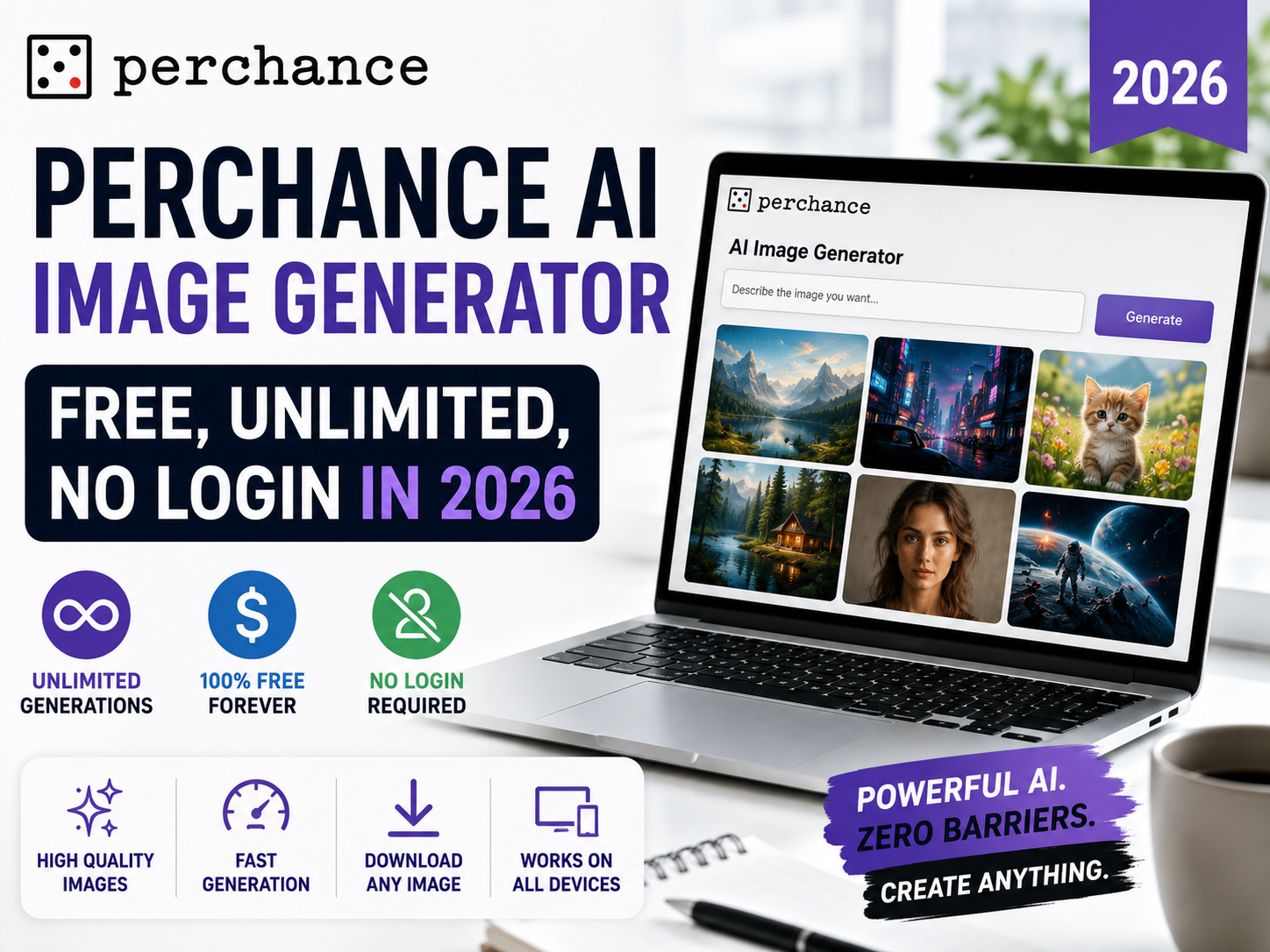
Perchance AI Image Generator — Free, Unlimited, No Login in 2026
Perchance AI image generator, at perchance.org, runs Stable Diffusion inside your browser instead of on a paid server. This allows it to skip the account requirement, watermarks, and daily generation caps that most free competitors enforce. This guide covers how it works, which mode to pick, common generation errors, and its key limitations.
Perchance is a free, browser-based Stable Diffusion tool located at perchance.org/ai-text-to-image-generator. It offers three main modes: v2 (SD 1.5, fast), v3 (SDXL-inspired, balanced), and Realistic (photo-focused). Images typically generate in 5–10 seconds depending on device hardware.
📋 Table of Contents
How Perchance Works
Perchance started as a platform for community-built text generators. Its AI image generator, available at perchance.org/ai-text-to-image-generator, operates directly within the browser using WebGL or WebGPU.
Because computations execute locally on the client device rather than cloud GPU infrastructure, the service operates without per-generation computing expenses for the platform, eliminating credit systems and paywalls.
Hardware capability directly influences performance. Systems with dedicated GPUs deliver faster output times, whereas entry-level mobile devices or basic laptops require longer processing cycles.
Three Modes Explained — v2, v3, and Realistic
Selecting an appropriate mode establishes the base rendering framework before prompt processing:
v2 — Standard Mode
Based on SD 1.5 fine-tuning. Lightweight model recommended for initial drafts or devices with limited processing power.
Best for: quick tests, older hardwarev3 — Default Choice
SDXL-inspired architecture providing improved structural composition and prompt adherence with reduced artifacting.
Best for: general generation, detailed scenesRealistic — Photo Mode
Optimized for photographic styles, portraits, and real-world lighting conditions rather than artistic illustrations.
Best for: realistic portraits, photographic subjectsHow to Use Perchance AI Image Generator
1Open the generator
Access perchance.org/ai-text-to-image-generator in any modern web browser.
2Select generation mode
Choose v3 for standard quality or v2 if processing speed requires optimization on legacy hardware.
3Enter descriptive prompt
Detail the intended subject, setting, lighting, composition, and visual style to guide the generation process accurately.
4Configure negative parameters
Specify undesirable elements within the negative prompt field to refine visual coherence.
5Select aspect ratio
Set output dimensions (portrait 512×768, landscape 768×512, or square 512×512) prior to generating final assets.
6Generate and export
Initiate rendering, adjust prompt parameters as necessary, and export full-resolution images without watermarks.
Prompt Writing Tips
Stable Diffusion models interpret structured, descriptive keyword layering efficiently:
Effective Prompt Structure
Standard Negative Prompt Template
Common Mistakes That Ruin Your Output
Omitting Negative Prompts
Leaving the negative input empty increases the frequency of anatomical anomalies and unwanted image artifacts.
Using Legacy Modes for Complex Detail
Relying on v2 for intricate compositions often leads to lower structural fidelity compared to v3 or Realistic modes.