Synthesia Review 2026: Pricing, Free Plan & Honest Verdict
Synthesia says it’s used by more than 50,000 companies, and its published customer list includes Reuters, Zoom, SAP, Merck, and Heineken. Most of that usage is corporate training and internal communications — not the marketing content most content creators actually need. This Synthesia review for 2026 covers what most reviews skip: the real pricing (including the credit system Synthesia introduced), what the free plan actually includes, and a direct answer on whether the Starter plan is worth $18/month for your specific use case.
Here’s the honest bottom line before we go deeper: Synthesia is a genuinely strong tool for one specific job — corporate-style presenter video. For anything outside that job, other tools are usually a better fit. Knowing which side of that line you’re on is worth ten minutes before you subscribe.
Synthesia is worth paying for in 2026 if you create corporate training videos, product demos, or internal communications regularly. The Starter plan costs $18/month on annual billing ($29/month if billed monthly) and includes 10 minutes of video per month, 125+ avatars, and 160+ languages and voices. It’s a weaker fit for social media content, UGC-style ads, or emotionally driven marketing videos, where AI avatars tend to feel more corporate than authentic.
No credit card required on the Basic plan (10 minutes of video/month). Upgrade only if it fits your workflow.
📋 Table of Contents
- What Is Synthesia and What Does It Actually Do?
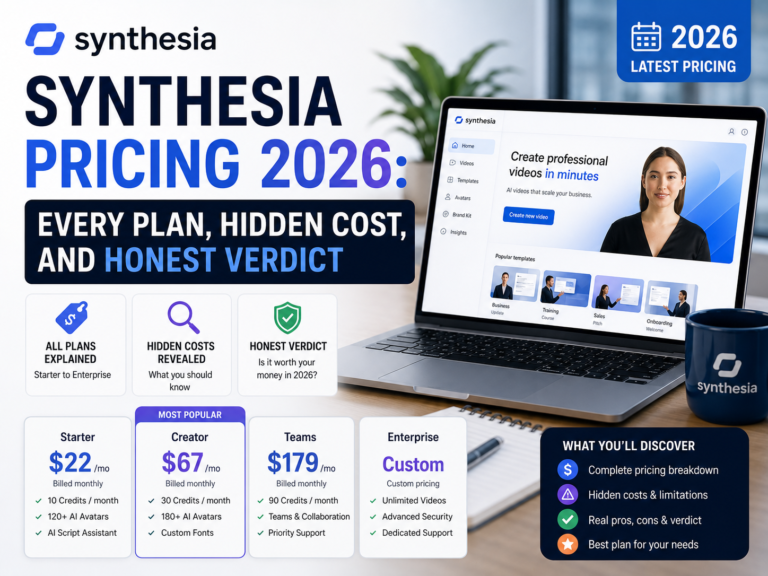
- Synthesia Pricing 2026 — Every Plan Broken Down Honestly
- Core Features — What You Get at Each Tier
- Who Should Buy Synthesia (And Who Should Not)
- 4 Mistakes People Make Before Buying Synthesia
- 5 Pro Tips for Getting Maximum Value from Synthesia
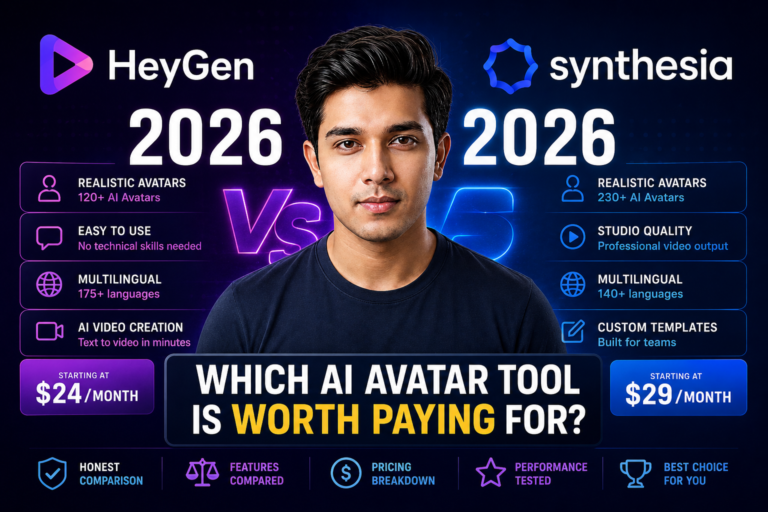
- Synthesia vs HeyGen — Quick Comparison
- Frequently Asked Questions
- Final Verdict
What Is Synthesia and What Does It Actually Do?
Synthesia is an AI avatar video generator. You type a script, choose an AI presenter from a library of avatars, pick a language, and Synthesia generates a presenter-style video — with the avatar lip-syncing your script in Full HD (1920×1080) — without a camera, studio, or recording session.
The core use case is straightforward: replace slow, expensive video production with scalable AI. Traditional presenter-led video production involves camera equipment, studio time, on-camera talent, and editing — costs that add up quickly for organizations producing training or comms content regularly. Synthesia compresses that into a browser-based workflow priced as a monthly subscription.
That’s the value proposition, and it’s why learning-and-development and corporate comms teams make up the bulk of Synthesia’s user base — the platform’s own case studies center on training, onboarding, product explainers, and multilingual internal communications.
Where this gets misrepresented in a lot of reviews: Synthesia is not a general-purpose video creation tool. It’s built around corporate presenter video. If you’re a content creator or social media marketer looking for audience-facing video, it’s worth reading the “who should NOT buy” section below before you subscribe.
Synthesia Pricing 2026 — Every Plan Broken Down Honestly
Synthesia switched to a credit-based system in 2026 — credits are now the shared currency across every usage-based feature (video minutes, AI-generated video assets, dubbing, and more), rather than video minutes being the only unit. In practice, the number that matters most for beginners is still “minutes of video per month,” which Synthesia publishes directly, so that’s what the table below focuses on.
👉 Swipe to see all columns
| Plan | Monthly | Annual (per month) | Video Minutes | Avatars | Personal Avatars Included |
|---|---|---|---|---|---|
| Basic (Free) | $0 | $0 | 10 min/month | 9 | 0 |
| Starter ⭐ | $29/mo | $18/mo | 10 min/month | 125+ | 3, included free |
| Creator | $89/mo | $64/mo | 30 min/month | 180+ | 5, included free |
| Enterprise | Custom — contact sales | Unlimited | 240+ | Unlimited | |
Source: synthesia.io/pricing, verified directly against the live page. Prices and limits can change — reconfirm before publishing if time has passed.
What the Free (Basic) Plan Actually Includes
Synthesia’s free Basic plan gives you 10 minutes of video per month — not a token trial amount — with access to 9 stock avatars. The catch: Basic doesn’t let you download your videos or remove the Synthesia watermark; those unlock starting on the Starter plan. Basic is genuinely useful for evaluating avatar and voice quality before you pay anything, just not for finished, publishable output.
Starter drops from $29/mo to $18/mo on annual billing (confirm at checkout — see note above).
Core Features — What Synthesia Actually Delivers in 2026
What Works Well
What Falls Short
Pros and Cons Summary
✅ What Synthesia Does Well
- Fast route from script to professional-looking presenter video
- Best-in-class multilingual narration support
- Eliminates camera, studio, and talent costs
- Edit the script and the video updates — no re-recording
- Strong security/compliance posture (SOC 2, ISO 42001, GDPR)
- Free personal avatars included on Starter and Creator
❌ Where Synthesia Falls Short
- Minute-based billing means revisions eat into your quota, and unused credits don’t carry over
- 10 min/month (Starter) is genuinely tight for regular creators
- SCORM export requires Enterprise — a real gap for L&D teams
- Studio Express-1 avatar tier costs $1,000/year extra
- Avatars feel “corporate” — not the right tone for social/UGC content
- API access starts at Creator, not Starter
Who Should Buy Synthesia — And Who Should Not
Both sides of this matter equally, so here’s an honest split.
✅ Buy Synthesia If You Are…
❌ Do NOT Buy Synthesia If You Are…
Test the Basic plan (10 free video minutes/month) before deciding.
4 Mistakes People Make Before Buying Synthesia
Starter costs $29/month on monthly billing but drops to roughly $18/month billed annually (confirm the exact total at checkout — see the pricing-page discrepancy noted above) — a meaningful saving if you’ve already confirmed Synthesia fits your workflow via the free Basic plan first.
10 minutes a month sounds generous until revisions are factored in — regenerating a video after a script correction uses quota just like the first version did, and unused credits don’t carry over to next month. Teams producing more than 2–3 videos a month regularly outgrow Starter.
The free Basic plan gives you 10 real video minutes and 9 avatars at no cost — enough to generate an actual test video using your own script and judge avatar quality and lip-sync before you pay anything.
Personal avatars (3 on Starter, 5 on Creator) are included in your plan at no additional cost. The $1,000/year fee only applies if you specifically want the premium Studio Express-1 avatar tier — don’t budget for it unless you actually need that specific feature.
⚡ 5 Pro Tips for Getting Maximum Value from Synthesia
Synthesia vs HeyGen — Quick Comparison
HeyGen is Synthesia’s closest competitor. The core difference is how each one prices usage: Synthesia sells video minutes directly (10/30/unlimited depending on plan), while HeyGen uses a credit system where premium avatar features consume credits at different rates depending on quality tier — which several independent pricing breakdowns note can make real-world HeyGen costs less predictable than the sticker price suggests. On HeyGen’s own pricing page, its Free plan includes 3 videos/month, Creator is $29/month ($24/month annual), Pro starts at $49/month, and Business is $149/month plus $20 per additional seat.
If predictable, budget-friendly pricing matters more to you than the largest possible avatar library, Synthesia’s flat per-minute model is easier to plan around — with the caveat that Synthesia’s own credits don’t roll over either, so “predictable” still means “use it or lose it” each month. For the full breakdown, see our HeyGen vs Synthesia comparison.
Frequently Asked Questions — Synthesia Review 2026
Is Synthesia worth it in 2026?
Synthesia is worth it for teams that regularly produce corporate training videos, product demos, internal communications, or multilingual content. At roughly $18/month on annual billing, the Starter plan can pay for itself quickly if it replaces even one traditional video production session a month. It’s a weaker fit for solo content creators or marketers who need emotionally engaging, audience-facing video.
How much does Synthesia cost per month?
Synthesia’s Basic plan is free (10 video minutes/month, 9 avatars). Starter costs $29/month billed monthly or roughly $18/month billed annually. Creator costs $89/month billed monthly or roughly $64/month billed annually. Note that Synthesia’s own pricing page shows slightly different annual totals in its FAQ section than on the plan cards, so confirm the exact figure at checkout. Enterprise requires a custom quote. A premium Studio Express-1 avatar is a separate $1,000/year add-on for annual subscribers — it is not required to use a personal avatar, since 3–5 personal avatars are included free on Starter and Creator.
What does Synthesia’s free plan include?
Synthesia’s free Basic plan includes 10 minutes of video per month and access to 9 stock avatars — enough to properly test avatar and voice quality with your own script. It does not include video downloads or watermark removal, both of which require the Starter plan or above.
Do unused Synthesia credits roll over?
No. Synthesia’s credits reset at the end of each billing cycle and unused credits are lost, not carried forward. Exceeding your monthly allocation can also trigger overage charges on Starter and Creator, though Synthesia does not publicly document the exact rate. Budget for your plan’s stated ceiling rather than an average across months.
Is Synthesia good for YouTube videos?
Not for channels built around a human presenter’s personality — Synthesia’s avatars have a polished, corporate delivery style that tends to feel impersonal to YouTube audiences. For faceless channels using screen recordings or information-dense explainers, it can work, but purpose-built tools are usually a better fit and more cost-effective for that specific use case.
What is better than Synthesia in 2026?
HeyGen is the closest direct competitor, with a similar starting price ($29/month) but a credit-based system rather than Synthesia’s flat per-minute model. For faceless YouTube and social content specifically, other AI video tools built for that use case are typically a better and cheaper fit than either avatar-focused platform. The right choice depends entirely on whether your priority is corporate presenter video or audience-facing content — see our full HeyGen vs Synthesia comparison.
Does Synthesia have hidden costs?
A few, worth knowing about: SCORM export for LMS platforms requires Enterprise pricing, which needs a custom quote. Credits don’t roll over month to month, and exceeding your allocation can trigger overage charges that Synthesia doesn’t fully document publicly. A premium Studio Express-1 avatar is also a separate $1,000/year add-on, but it’s optional — standard personal avatars (3 on Starter, 5 on Creator) are included in the plan price at no extra cost.
Final Verdict — Should You Subscribe to Synthesia in 2026?
Based on Synthesia’s official pricing, feature set, and recurring themes across public reviews on G2 and Trustpilot, the verdict is specific rather than universal: this looks like a strong tool in a well-defined lane.
- The value case is real for corporate training and communications teams. If you regularly produce presenter-style video, Synthesia’s per-minute pricing and multilingual support are genuinely useful, and Starter at roughly $18/month (annual) is a low-risk way to find out.
- 10 minutes a month is a real constraint, and credits don’t roll over. Test the free Basic plan with your actual content first. If you find yourself needing more than 2–3 short videos a month, budget for Creator rather than upgrading mid-cycle.
- SCORM export being Enterprise-only is a real limitation for some L&D teams — check it against your requirements before subscribing to any paid tier. The $1,000/year Studio avatar, by contrast, is optional and easy to skip if you don’t specifically need it.
The honest takeaway: Synthesia’s published specs and public review themes point to it earning its subscription for corporate and L&D use cases. For content creators and marketers chasing audience engagement, a different tool is very likely the better fit for your goals and budget. This verdict will get stronger once it’s backed by direct hands-on testing rather than specs and public reviews alone.
Try Synthesia Free → No Credit Card NeededStart with the Basic plan (free, 10 video minutes/month). Upgrade only if it fits your workflow.
🎬 Read Next — Full AI Video Tool Comparison
Not sure if Synthesia is the right tool for your situation?
Read our HeyGen vs Synthesia comparison — same use cases, both tools, a clear verdict for each.
Drop a question in the comments — tell us your use case and we’ll give you a direct answer. 🎯