Descript Review 2026: Pricing, Credits & What Actually Changed
Descript is worth paying for in 2026 if you publish podcasts or YouTube videos consistently. The Creator plan at $24/month (annual) gives you text-based editing, Studio Sound audio cleanup, Overdub voice cloning, Video Regenerate, and Underlord AI — replacing 3–4 separate tools. It is not worth it for cinematic video production, occasional creators, or anyone who needs offline editing. If you subscribed before September 2025, read the Legacy Plan section below before you renew.
Try Descript Free →Descript’s own pricing page states over 6 million creators and teams use the product. That number gets repeated a lot in coverage of the tool, including its own marketing — it’s Descript’s self-reported figure, not an independently audited one, and it’s worth reading it that way.
What gets covered less: the September 2025 pricing overhaul that replaced simple transcription hours with a Media Minutes and AI Credits system, what happened to subscribers who were on the old plans, and the specific workflows where Descript saves real hours versus the ones where the credit system frustrates you.
This review covers all of it — current pricing (re-verified this month), the legacy plan situation, honest notes on Studio Sound, Overdub, Video Regenerate, and Underlord, plus a direct answer on who should pay for it.
- What Descript Actually Does
- Descript Pricing 2026 — Every Plan Explained
- What Happened to the Old Pricing? (Legacy Plan Sunset)
- The Creator Plan: Who It’s Actually For
- Testing the Features That Matter
- How to Speed Up a Video in Descript
- What Descript Does Better Than Anything Else
- What Descript Does Poorly
- Descript Alternatives — How It Compares
- Who Should Pay — And Who Should Skip It
- Final Verdict
- Frequently Asked Questions
What Descript Actually Does
Descript is a text-based video and audio editor. You upload a recording, it transcribes it automatically, and you edit the transcript like a document. Delete a sentence from the text and the audio disappears with it. Reorder paragraphs and the media follows.
That core idea is genuinely different from most editors on the market — though it’s worth noting that by 2026, Adobe Premiere Pro and CapCut have both added their own text-based editing features. Descript’s advantage isn’t the concept anymore; it’s the AI layer built around it.
On top of transcript editing, Descript includes a full suite of AI tools in 2026:
- Underlord — an AI co-editor you instruct in plain language (“remove all filler words,” “find the 3 best moments for social clips”), officially still labeled beta (details below)
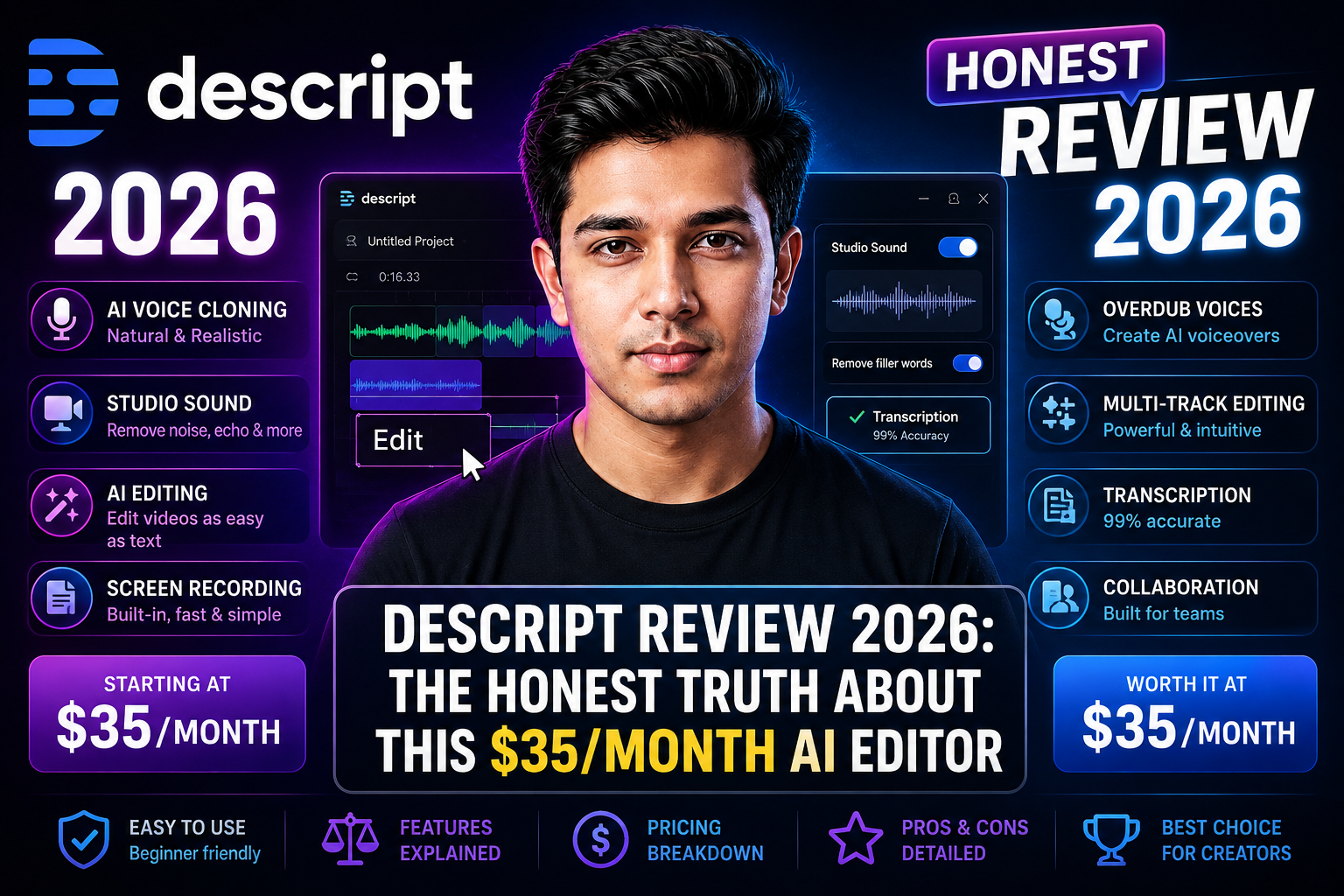
- Studio Sound — AI audio cleanup that removes background noise, room echo, and mic hiss
- Overdub — voice cloning that lets you fix a mispronounced word by typing the correction, with your voice regenerated in place
- Video Regenerate (beta) — takes Overdub further by re-syncing lip movement in the video to match the regenerated audio, not just the audio track
- Eye Contact correction — adjusts gaze to look at the camera even when you’re reading notes
- Automatic captions, screen recording, Rooms (local multi-track remote recording), social clip generation, and AI show notes
It covers what used to require 3 or 4 separate tools: a transcription app, an audio cleaner, a video editor, and a clip repurposer. For podcasters and talking-head YouTubers, that consolidation is still the main reason to pay for it.
Descript Pricing 2026 — Every Plan Explained
Descript restructured its pricing in September 2025, moving from “transcription hours” to a model based on Media Minutes and AI Credits. Here is what each current-generation plan costs.
| Plan | Monthly Billing | Annual Billing | Media Minutes | AI Credits | Best For |
|---|---|---|---|---|---|
| Free | $0 | $0 | ~60 min/month | 100 (one-time) | Testing the platform |
| Hobbyist | $24/month | $16/month | ~10 hrs/month | 400/month | Casual solo creators |
| Creator | $35/month | $24/month | ~30 hrs/month | 800/month | Podcasters & YouTubers |
| Business | $65/month | $50/month | ~40 hrs/month | 1,500/month | Small video teams |
| Enterprise | Custom | Custom | Custom | Custom | Large organisations |
Source: descript.com/pricing, cross-checked against five independent 2026 pricing trackers and re-verified September 2026. Media minute and credit allocations are approximate — always check Descript’s live pricing page for exact current figures before publishing or subscribing.
Annual billing saves roughly 30–35% across all paid plans. If you’re committing, pay annually.
What Happened to the Old Pricing? (Legacy Plan Sunset)
If you subscribed to Descript before September 2025, you were likely on a simpler transcription-hours plan. Descript has been gradually sunsetting these legacy plans, migrating subscribers toward the current Media Minutes and AI Credits structure. This transition is a genuinely active pain point — Descript’s own help center has a dedicated article on understanding your legacy/sunset plan, and legacy and sunset plans are explicitly called out as tracking usage differently from current plans in Descript’s own product documentation.
For new subscribers in 2026, this history mostly matters as context: it’s why some reviews and Reddit threads you’ll find while researching Descript describe a completely different pricing structure than what’s live today. If a source describes flat “transcription hours” with no mention of AI Credits, it’s describing the old system.
The Creator Plan: Who It’s Actually For
At $24/month (annual) or $35/month (monthly), the Creator plan is where most individual creators land. You get roughly 30 hours of media per month, 800 AI credits, 4K exports, full Overdub, Studio Sound, Video Regenerate, Eye Contact, and Green Screen.
For a solo podcaster publishing 2 episodes per week, 30 hours is comfortable. For a YouTuber doing 1 long-form video plus 5 short clips weekly, it’s tighter — especially if you upload multiple camera angles, since each one draws from the same quota.
Testing the Features That Matter
Studio Sound
Studio Sound is Descript’s AI audio cleanup tool. You apply it to a track, set intensity (1–100%), and it removes background noise, room echo, and mic hiss in one pass.
At 70–85% intensity, it’s consistently rated by reviewers as one of the best one-click audio cleaners available at any price point — a theme that shows up repeatedly across G2 and Capterra reviews. A room with noticeable air conditioning hum comes out clean without touching the voice quality.
Overdub
Descript Overdub is the platform’s voice cloning feature. It lets you fix a mispronounced word or stumbled phrase by typing the correct version. Descript regenerates your voice saying the new word and stitches it into the recording. You train it on a sample of your own recorded audio — Descript doesn’t publish an exact minimum duration, so don’t take any specific number you see elsewhere as official. Custom voice cloning is supported in fewer languages than transcription (per Descript’s own pricing page) — worth confirming the current list directly on Descript’s site if you work outside English, since this is one of the figures most likely to shift as the product updates.
It works well for single-word or short-phrase corrections. The intonation matches surrounding audio closely enough that most listeners won’t notice on a clean recording.
For longer corrections — full sentences or paragraphs — quality drops. Regenerated speech can sound flat in inflection. Use Overdub for cleanup, not as a substitute for re-recording whole sections.
Video Regenerate — New in 2026
Video Regenerate extends Overdub from audio-only fixes to video. Type the corrected word or phrase, and Descript clones your voice and re-syncs your lip movement in the video to match — no reopening the camera required. Treat output quality as still evolving rather than fully mature; this is one of the most useful recent additions for talking-head creators who previously had to accept a visible audio/lip mismatch when using audio-only Overdub corrections.
Underlord — What’s Actually Changed, and When
Underlord is Descript’s AI co-editor — officially still labeled “beta” by Descript itself, worth knowing before you rely on it for anything you can’t manually double-check. You type a plain-language instruction and it executes editing tasks across your project.
| Command | What It Does | Quality |
|---|---|---|
| “Remove all filler words” | Strips every um, uh, and like from a recording | ⭐⭐⭐⭐⭐ Excellent |
| “Generate show notes” | Structured summary from transcript | ⭐⭐⭐⭐ Good |
| “Create a 30-second highlight reel” | Best clips pulled automatically | ⭐⭐⭐⭐ Good |
| “Find the 3 most viral moments” | Social clip selection | ⭐⭐⭐ Variable |
| “Create vertical clips for TikTok” | Reformats clips for 9:16 | ⭐⭐⭐⭐ Good |
Where Underlord falls short: it can occasionally cut sentences that weren’t filler, and the “viral moments” selection can miss the actual best parts of a conversation. Always review what it produces before publishing.
How to Speed Up a Video in Descript
This is a common workflow question that’s separate from the AI features above — you don’t need any paid plan to change playback or export speed. Inside a project, select the clip or composition you want to adjust, open the speed/playback rate control in the right-hand properties panel, and set a percentage (for example, 150% for a faster pace, or 50% for slow motion). Descript adjusts both audio pitch correction and video playback together, so speeding up a talking-head clip doesn’t produce chipmunk audio unless you specifically want that effect.
For podcast episodes specifically, a common use case is speeding up slow sections by 5–10% to tighten pacing without a noticeable pitch change — small enough that most listeners won’t consciously notice, but it measurably shortens run time.
What Descript Does Better Than Anything Else
- Filler word removal at scale. A long interview with hundreds of filler words cleaned up in under two minutes. Few competing tools match this for speed.
- Podcast editing for non-editors. The document interface takes about 20 minutes to learn, versus weeks for a traditional timeline editor like Premiere Pro.
- Social clip creation. Underlord can turn a 60-minute episode into several vertical clips in one session, with automatic captions — a real time-saver for active creators.
- Remote recording quality. Descript’s Rooms feature records each participant’s audio locally and uploads after the call — clean, uncompressed tracks even on a bad internet connection.
- All-in-one workflow. Transcription, editing, audio cleanup, captions, show notes, and clip creation in one tool, without switching between apps.
What Descript Does Poorly
✅ What Works Well
- Studio Sound audio cleanup
- Text-based editing workflow
- Filler word removal speed
- Rooms remote recording quality
- Social clip generation
- 25 language transcription
- Video Regenerate (new, beta)
❌ Where It Falls Short
- AI credits run out fast on Creator
- No offline editing
- Weak customer support (AI-bot only)
- Multi-file projects eat quota fast
- Overdub weak on full paragraphs
- Legacy plan migration has caused real user confusion
- Not for cinematic/timeline editing
Descript Alternatives — How It Compares
| Feature | Descript Creator | Adobe Premiere Pro | CapCut Pro | Riverside.fm |
|---|---|---|---|---|
| Price | $24–35/month | $19.99–$34.49/month (varies by billing) | ~$8–20/month (varies by region/plan) | $15–24/month |
| Text-based editing | ✅ Core workflow | ⚠️ Added, not core | ⚠️ Added, not core | ❌ No |
| AI audio cleanup | ✅ Studio Sound | ⚠️ Limited | ⚠️ Basic | ✅ Yes |
| Voice cloning | ✅ Overdub | ❌ No | ❌ No | ❌ No |
| Filler word removal | ✅ Automatic | ❌ No | ✅ Yes | ✅ Yes |
| Remote recording | ✅ Rooms, local tracks | ❌ No | ❌ No | ✅ Best-in-class |
| Best for | Podcasters, YouTubers | Professional/broadcast video | Short-form social video | Remote interviews |
Competitor prices cross-checked against multiple independent sources as of September 2026. CapCut’s Pro pricing varies notably by source and region — treat the figure above as a range, not a fixed number, and confirm current pricing directly before publishing or purchasing.
✅ Choose Descript Over Riverside.fm If…
- You need full post-production, not just recording
- Clip repurposing and social content are priorities
- You want voice cloning and Studio Sound in the same tool
✅ Choose Riverside Over Descript If…
- Remote interview quality is your #1 priority
- You host a guest-driven show regularly
- Your editing is minimal after recording
Who Should Pay for Descript — And Who Should Skip It
✅ Buy the Creator Plan ($24/month annual) if you…
- Publish 1 or more podcast episodes per week
- Run a YouTube channel and spend 3+ hours editing per video
- Need to create short-form social clips from long-form content regularly
- Currently pay for separate transcription, audio cleanup, and video editing tools
- Do remote interviews and need local-track recording quality
⚠️ Stay on the Free Plan if you…
- Publish less than once a month
- Are still testing whether text-based editing suits your workflow
- Only need to test transcription quality before committing
❌ Skip Descript entirely if you…
- Edit narrative films, music videos, or cinematic content requiring precise color work
- Need to work offline regularly
- Run a large team and need brand assets (that’s Brand Studio on the Business plan)
- Create content infrequently — the free monthly reset doesn’t carry over
Final Verdict — Should You Subscribe to Descript in 2026?
Descript remains one of the strongest editing tools for podcasters and talking-head YouTubers in 2026. The text-based workflow meaningfully cuts editing time for spoken-word content. Studio Sound is consistently rated among the best one-click audio cleaners on the market. Underlord’s model picker and its later credit-efficiency update, plus Video Regenerate, are genuine, recent improvements that push it further ahead of general-purpose editors.
- The AI credit system needs monitoring. Heavy Underlord use on the Creator plan hits the 800-credit ceiling before month end. Know your usage pattern before committing.
- If you’re an existing subscriber, check your legacy plan status. The September 2025 pricing overhaul is still actively affecting some accounts — don’t assume your terms haven’t changed.
- Test the free plan first. ~60 media minutes is enough to test the full text-editing workflow, Studio Sound, and basic Underlord on one real project.
- Pay annually. The Creator plan drops from $35 to $24/month on annual billing — a real saving that adds up over a year.
At $24/month annually, Descript replaces several tools and saves real hours per week for anyone publishing spoken-word content consistently. That’s a clear return, provided you go in understanding the credit system rather than being surprised by it.
Try Descript Free → No Credit Card NeededFrequently Asked Questions — Descript Review 2026
Is Descript free in 2026?
What is the best Descript plan for solo creators in 2026?
What is Overdub in Descript?
What is Underlord in Descript?
What happened to Descript’s old pricing plans?
Does Descript work on Windows?
Is Descript worth it in 2026?
What are the hidden costs in Descript?